Use Song Tags to Auto-Generate Better Setlists
Automatic setlist builders have a bad reputation, and usually it is deserved. Most of them shuffle your songs into a random order and call it a set. A good one does something different: it follows the same rules a thoughtful band leader would, because you have given it enough information to do so. The secret is not the algorithm. It is the data you feed it.

The short version
- Random shuffling is not generation. Good auto-building follows the rules a band leader would.
- Tags and ratings are what let the algorithm put the right song in the right slot.
- Treat a generated set as a strong first draft you tweak, not a finished plan.
Why most auto-builders feel wrong
A shuffle button does not know that your opener should open, that your singer cannot do three hard songs in a row, or that you played the same closer last weekend. It treats every song as interchangeable, which they never are. The result feels random because it is random, and you end up rebuilding the whole thing by hand anyway.
An auto-builder that earns its keep needs to know what each song is for and what it costs. That is what tags and ratings provide.
The data that makes generation work
Set List Creator builds sets from a handful of attributes you set once per song. None of it is complicated, and most of it you already know in your head.
- Energy, rated one to five: how much lift the song brings to a room.
- Vocal intensity, rated one to five: how demanding it is to sing, separate from energy.
- Tags: roles like opener, closer, ballad, party or singalong that say where a song belongs.
- Length: so the generator can build a set to time, not just to a song count.
- Last played: so songs you have rested recently get preferred over ones you have flogged.
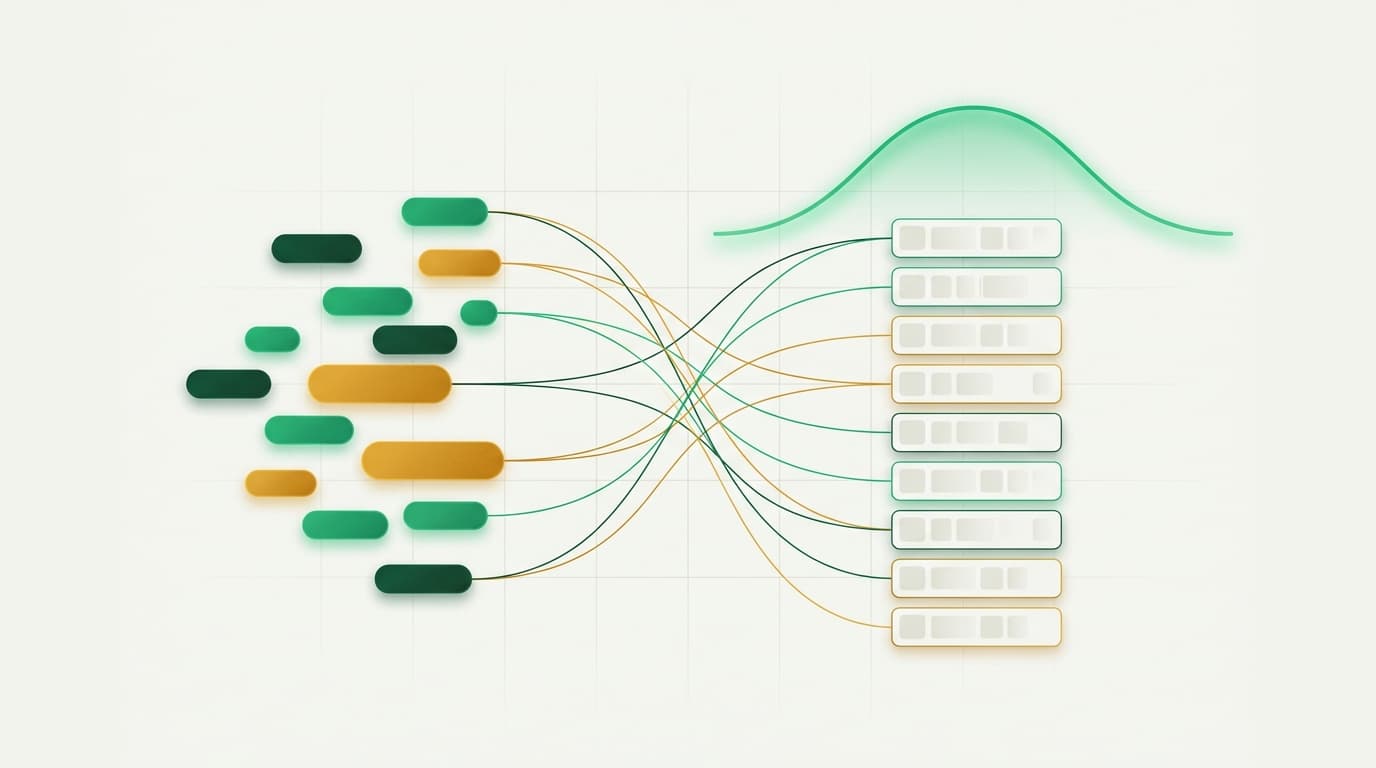
The rules a good generator follows
With that data in place, the generator can apply the same logic a careful band leader would, except it can hold all of it in mind at once.
- Put a song tagged as an opener at the top and a closer at the end.
- Never stack more than two high vocal-intensity songs in a row, so the singer can recover.
- Shape each set along an energy curve that climbs and settles rather than sitting flat.
- Prefer songs you have not played recently, so the set feels fresh against the last gig.
- Fill to the time you have rather than to an arbitrary number of songs.
Tag well and the rest follows
The quality of a generated set is decided when you tag your library, not when you press the button. If only two songs are tagged as openers, every generated set will start with one of those two. If nothing is tagged as a closer, the algorithm has to guess. Spend an evening rating and tagging properly and you are repaid every time you build a set after that.
Use tags your band actually thinks in
There is no universal tag vocabulary, and you do not need one. Use the words your band already uses on the night: floor-filler, slow one, crowd-pleaser, the dodgy one we only do when they are drunk. The point is consistency, so the same kind of song always carries the same label.
Generate, then make it yours
The best way to use an auto-builder is as a fast first draft. Generate a set in seconds, then drag the two or three songs that your judgement says belong elsewhere, swap in the request you know the bride wants, and finalise. You get the heavy lifting done instantly and keep the final call, which is exactly the right division of labour between a tool and a musician.
Frequently asked questions
- Can you automatically generate a setlist?
- Yes, if your songs carry enough information. Set List Creator builds a set from each song's energy and vocal-intensity ratings, its tags, its length and when you last played it, then paces and orders the result. The more honestly your library is tagged, the better the generated set.
- What is vocal intensity in a setlist app?
- Vocal intensity is a rating, separate from energy, of how demanding a song is to sing. A quiet ballad at the top of the singer's range can be high intensity while an easy up-tempo rocker is low. Rating it lets the builder avoid stacking demanding songs and wearing the voice out.
- Will an auto-generated setlist sound robotic?
- Only if you let it. Treat the generated set as a strong first draft, then adjust the few songs your judgement places differently and drop in any requests. You keep the final decisions while skipping the tedious work of pacing and ordering by hand.
About the author
The Set List Creator team
Written by the people who build Set List Creator, most of whom play covers, function and wedding gigs around New Zealand. The advice here is the same thinking baked into the app.