Share Setlists and Charts So the Whole Band Is Ready
You can build the perfect set, and it still falls apart if the dep keyboard player learns the running order in the car park and the bassist has the wrong key for the one song they do not know well. Getting everyone on the same page before the gig is not admin, it is part of the performance. The good news is it is mostly a solved problem once the information lives in one place.
The short version
- A setlist nobody can see until soundcheck is a setlist that will catch people out.
- Charts, keys and notes belong attached to the songs, not scattered across phones and inboxes.
- Deps and members need read access on their own device, not a screenshot in a group chat.
The group-chat problem
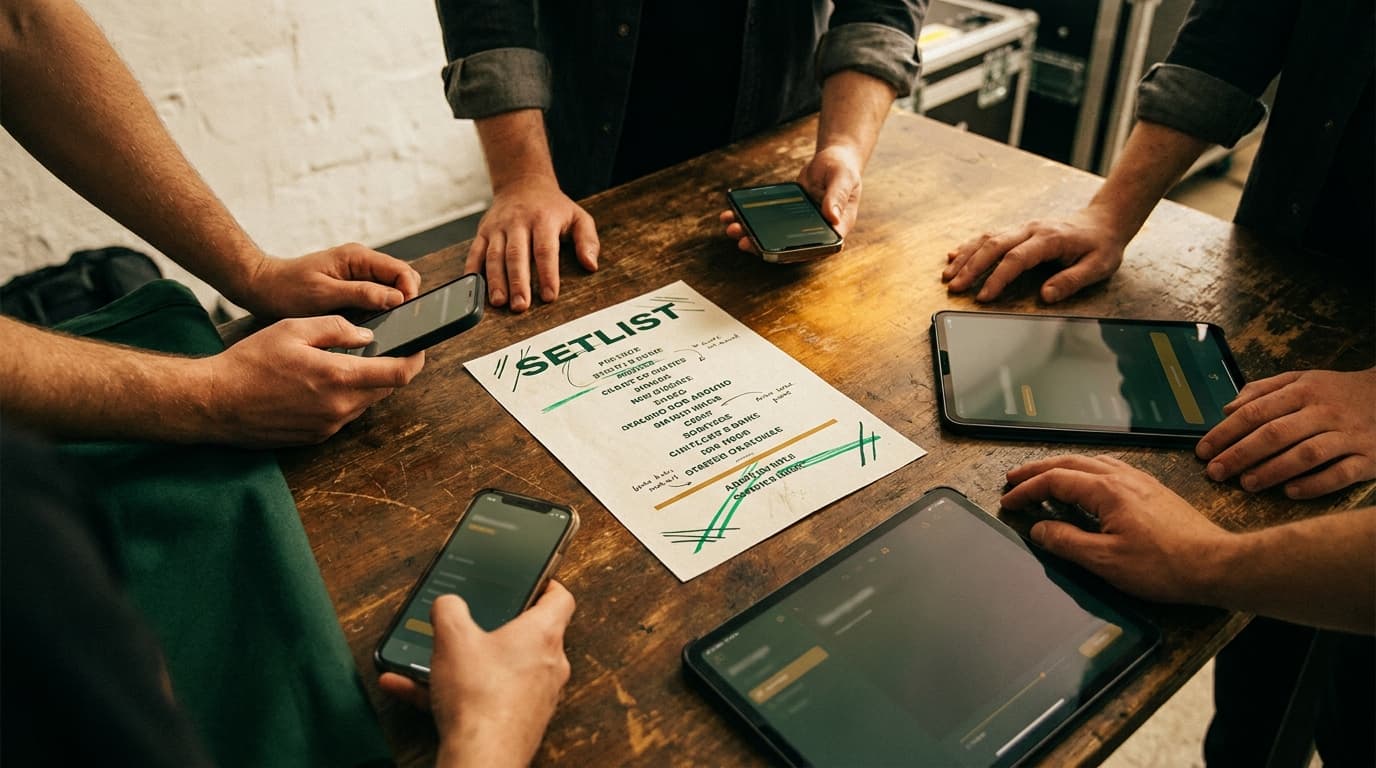
Most bands share setlists the same way: a photo of a handwritten list dropped into a group chat, maybe a PDF if someone is organised. It half works. Then the order changes, a second photo appears, and now half the band is looking at the old one. The charts live somewhere else entirely, in a shared folder nobody can find at the venue, or on one person's laptop that did not come tonight.
The fix is not more messages. It is a single source of truth that everyone can open on their own phone and that is always current.
Keep the charts with the songs
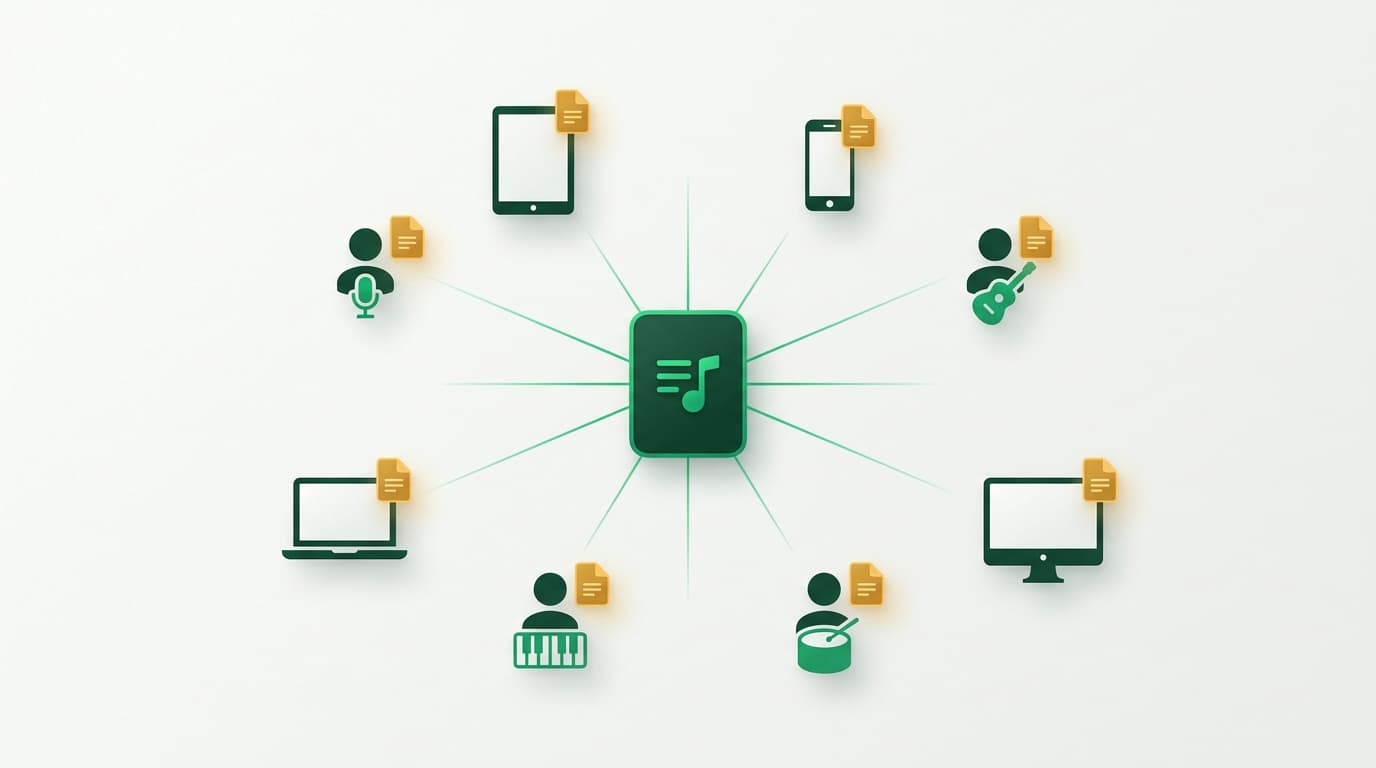
Charts, lyrics, keys and arrangement notes should live attached to the song, not in a separate pile. When the chart is part of the song record, it travels with the song into every setlist automatically. A dep tapping a song in tonight's set sees the chart for the version your band actually plays, in the key you actually play it, without hunting for a file.
Give members their own access
There is a difference between owning the band's library and needing to see tonight's set. A dep does not need to edit your repertoire or your pacing ratings. They need read access to the finalised set, the charts, any reference audio, and the gig details, on their own device. Set List Creator handles this with a separate member login, so you can give the people playing the gig exactly what they need and nothing they do not.
- The finalised running order, always the current version.
- Charts and notes for each song, in your band's keys.
- Reference audio tracks where you have them, so a dep can revise on the train.
- The gig essentials: load-in time, address, start times.
Send reference audio for the unfamiliar songs
When you bring in a function player or add a song a member does not know, a chart only goes so far. A reference recording of your arrangement, attached to the song, lets them hear the feel, the ending, and the bits that differ from the record. Set List Creator lets you keep multiple named audio tracks on a song, so a click track, a rehearsal recording and the original can all sit in one place.
Print a pack for the people who want paper
Not everyone wants to read off a phone on a dark stage, and some venues are murder on screens. A clean printed setlist, in large readable type with set breaks and timings, still earns its place on the floor by the monitor. Export the finalised set as a branded PDF, print enough copies, and the people who prefer paper are sorted while everyone else uses their phone.
Frequently asked questions
- How do bands share setlists with each other?
- The reliable way is a single shared setlist everyone can open on their own device, kept current automatically, rather than screenshots in a group chat. Set List Creator gives each member a read-only login to the finalised set, its charts, reference audio and the gig details.
- How do you give a dep musician everything they need?
- Attach charts, your actual keys and a reference recording to each song, then give the dep member access to the finalised set. They can revise the unfamiliar songs in your arrangement beforehand and pull up the charts on their own phone at the gig, instead of learning the order at soundcheck.
- Can you print a setlist for the stage?
- Yes. Even with everything on phones, a printed copy is useful on a dark or bright stage. Export the finalised set as a branded PDF with set breaks and timings, print a few copies for the floor, and let everyone else use the shared digital version.
About the author
The Set List Creator team
Written by the people who build Set List Creator, most of whom play covers, function and wedding gigs around New Zealand. The advice here is the same thinking baked into the app.